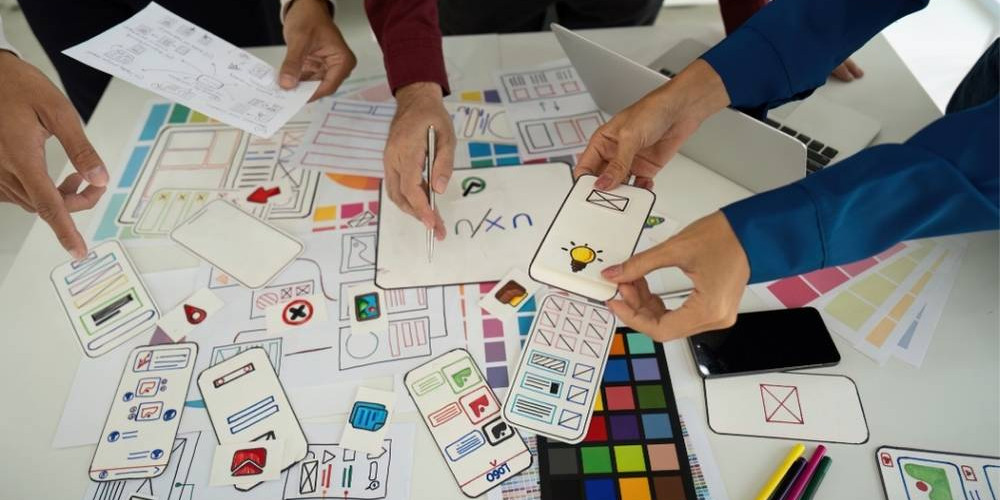
Designing user journeys that feel natural and intuitive is essential for creating seamless digital experiences. When users can move through a website or app without confusion, they are more likely to stay engaged, complete actions, and return in the future.
A well-designed user journey removes friction, anticipates user needs, and guides interactions in a way that feels effortless. This article explores how to design user journeys that are smooth, logical, and user-focused.
What Is a User Journey?
A user journey is the path a user takes when interacting with a digital product. It includes every step from the first interaction to completing a goal, such as making a purchase or finding information.
A typical user journey includes:
- Entry point (landing page)
- Navigation through content
- Interaction with features
- Decision-making points
- Final action (conversion or exit)
Understanding this flow is key to improving UX.
Why Intuitive User Journeys Matter
When user journeys feel natural, users don’t have to think about how to navigate — they simply follow the flow.
Benefits include:
- Reduced user frustration
- Higher engagement rates
- Improved conversion rates
- Better user satisfaction
- Stronger retention
Intuitive journeys create better experiences.
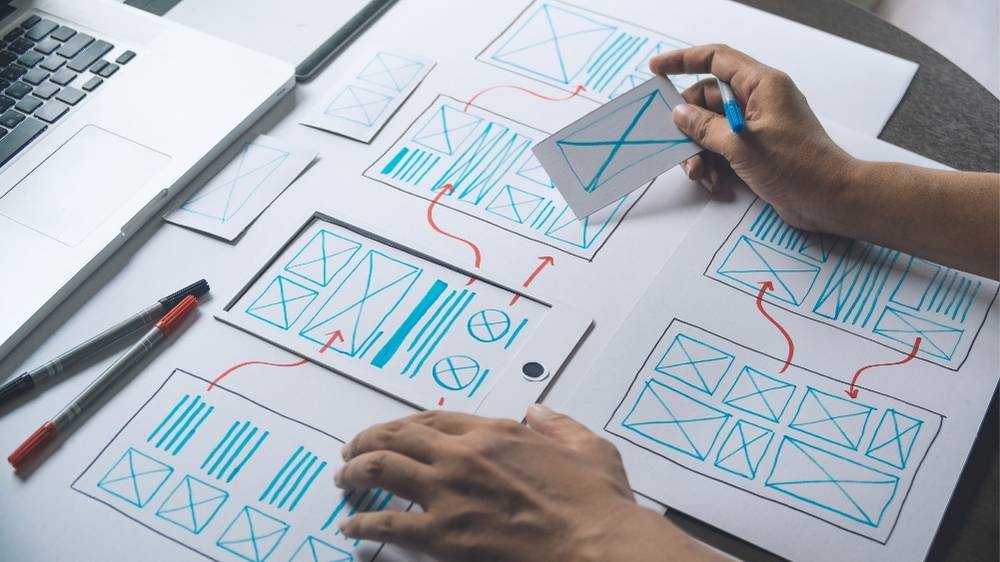
Start With User Intent
Understanding what users want is the foundation of a good journey. Every design decision should align with user goals.
To identify user intent:
- Analyse user behaviour
- Review common tasks
- Identify pain points
- Focus on user goals
- Simplify the path to completion
Design should always serve the user.
Keep Navigation Clear and Predictable
Users expect familiar navigation patterns. Keeping navigation simple helps users move through the journey confidently.
Best practices:
- Use clear menu labels
- Maintain consistent navigation placement
- Avoid hidden or complex menus
- Highlight current location
- Provide clear pathways
Predictability improves usability.
Reduce Friction at Every Step
Friction occurs when users face unnecessary obstacles. Removing friction makes the journey smoother.
Ways to reduce friction:
- Minimise steps in processes
- Simplify forms
- Avoid unnecessary information requests
- Provide clear instructions
- Remove distractions
Less friction leads to better outcomes.
Use Visual Hierarchy to Guide Users
Visual hierarchy helps direct attention and guide users through content.
Techniques include:
- Larger elements for key actions
- Strategic use of colour
- Clear headings and sections
- Proper spacing
- Logical content flow
Hierarchy makes navigation intuitive.
Design Clear Call-to-Actions (CTAs)
Users should always know what to do next. Clear CTAs guide them through the journey.
Effective CTA practices:
- Use action-focused language
- Place CTAs strategically
- Make buttons visually distinct
- Avoid multiple competing actions
- Keep messaging simple
Clear CTAs improve flow.
Provide Feedback and Confirmation
Users need reassurance that their actions are working.
Examples of feedback:
- Loading indicators
- Confirmation messages
- Error messages with guidance
- Visual interaction cues
Feedback builds trust and clarity.
Optimise for Mobile Experiences
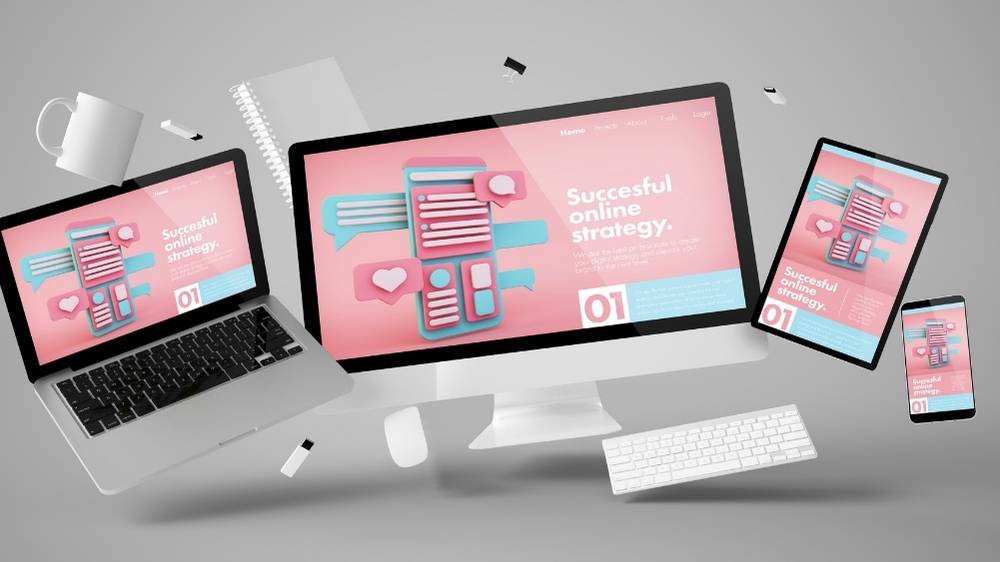
User journeys should feel just as intuitive on mobile devices as on desktop.
Mobile UX tips:
- Use responsive layouts
- Ensure touch-friendly elements
- Simplify navigation
- Keep content concise
- Avoid clutter
Mobile optimisation is essential.
Test and Improve Continuously
User journeys should be refined over time. Testing helps identify friction points and improve flow.
Testing methods:
- User feedback
- Analytics tracking
- Heatmaps
- A/B testing
Continuous improvement leads to better experiences.
Final Thoughts
Designing user journeys that feel natural and intuitive requires a deep understanding of user behaviour, clear structure, and thoughtful design decisions. By focusing on simplicity, reducing friction, and guiding users effectively, you can create seamless digital experiences that keep users engaged and satisfied.
A well-designed user journey doesn’t just look good — it works effortlessly, helping users achieve their goals with ease.